Mask
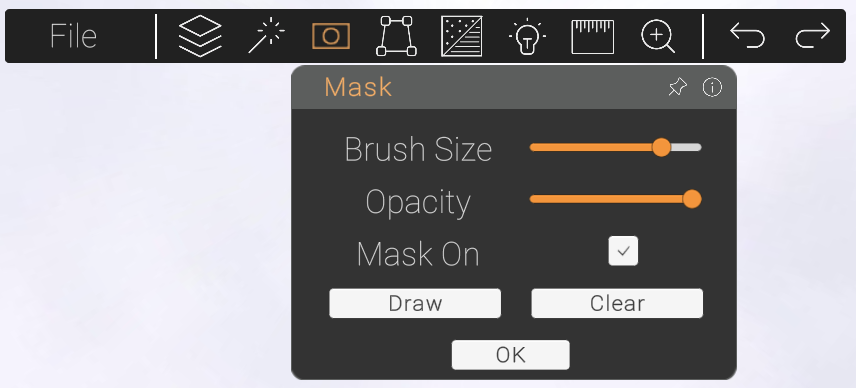
If there are specific objects you want to keep in your image while adding new assets behind them, use the Mask to keep those objects visible.
Step One
Click draw to begin.
Step Two
Adjust the size of your pen tool using the slider. You can also adjust the opacity of the mask before you draw.
Step Three
Click and hold to draw over the objects you want to keep in the foreground.
Step Four
When finished, press OK in the menu to finalise.