
Set the Road
The "Road Settings" menu will automatically open to assist with adjusting your layout when you first import an image
If you wish to edit the road again, go to File → Settings → Set Road
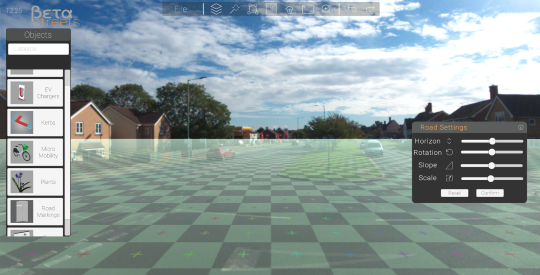
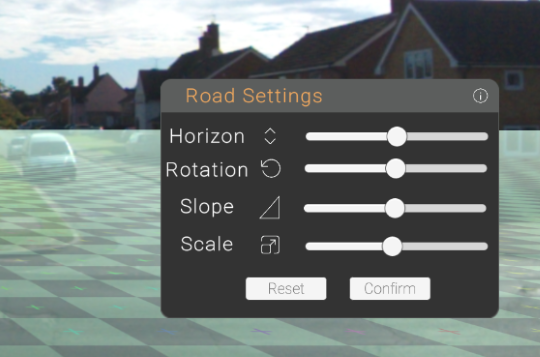
Road Settings
Horizon Slider
Aligns the grid with the horizon in your image.

Rotation Slider
Aligns the grid with the road's direction.

Slope Slider
Adjusts the grid if your image has a slope or a hill.

Scale Slider
Adjusts the size of the grid. The default slider setting should closely match real-world measurements, but it can be further edited here.
Top Tip
Each square within the grid is 1M- if you know the size of something within the image, you can match it!